
From the boat to the review
You take the photos. Flukesend handles everything after: the guest list, the delivery, the gallery, the review ask, and the post for your socials. Every screen below is the real product, not a mockup.
Guests scan aboard
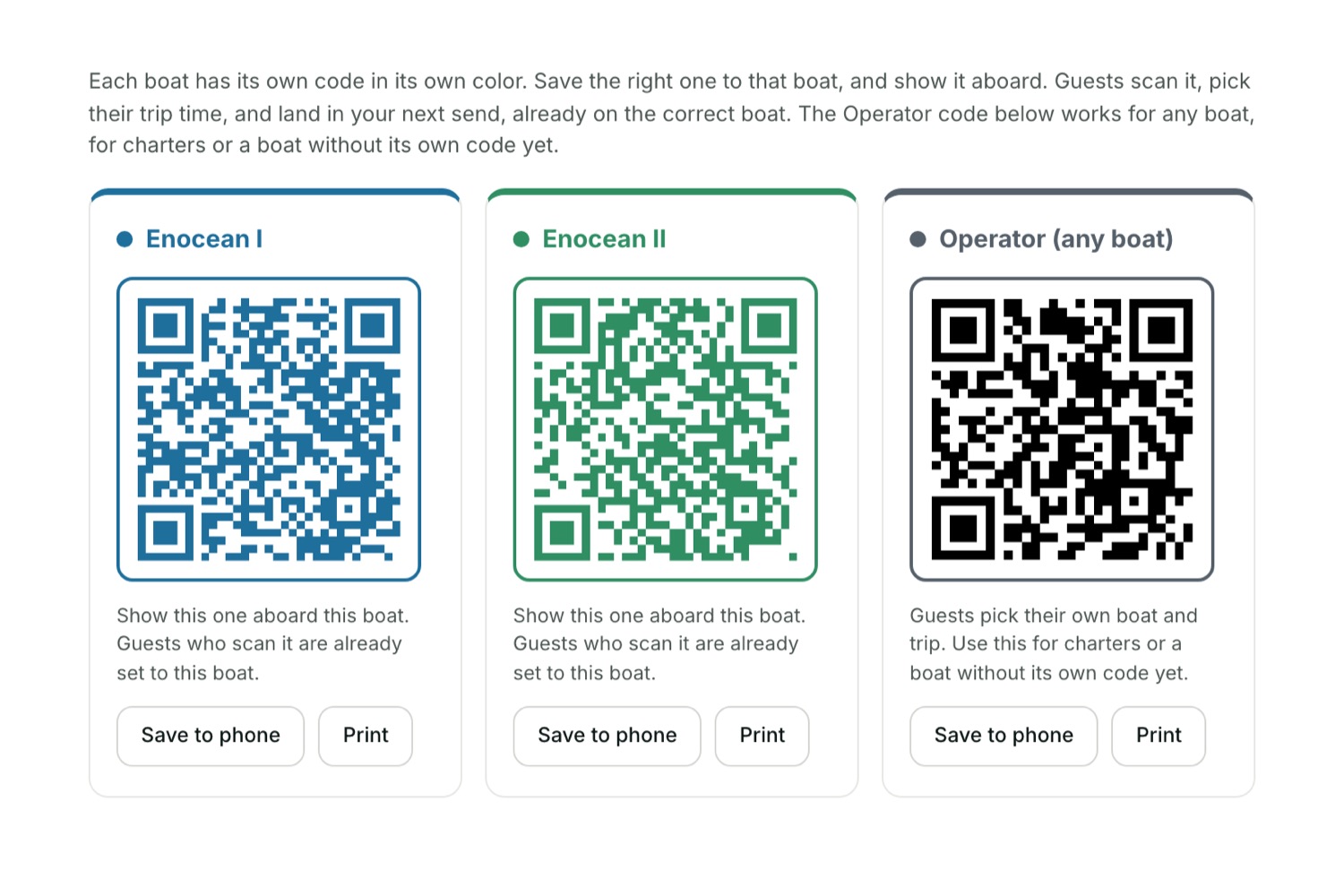
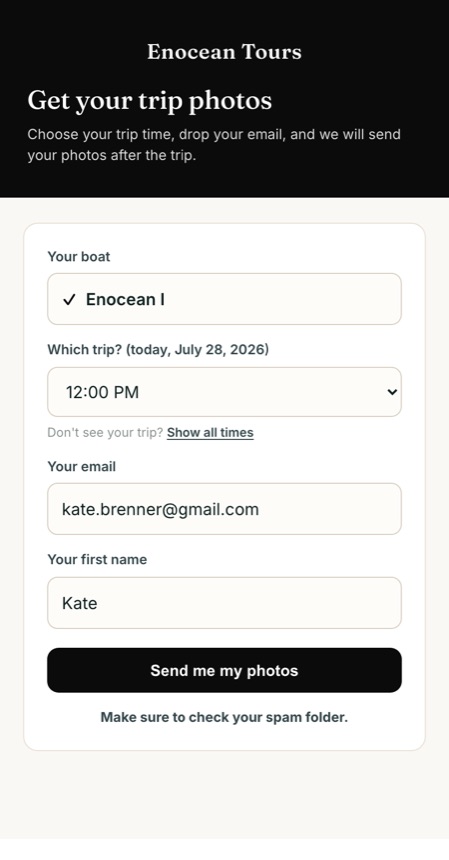
Print your sign-up QR and post it on deck, or keep it on your phone and show it around as you talk with guests. They scan it, pick their trip time, and type their own email. Run more than one boat and each gets its own code, so a guest who scans aboard one boat is already on the right trip.
Send from home
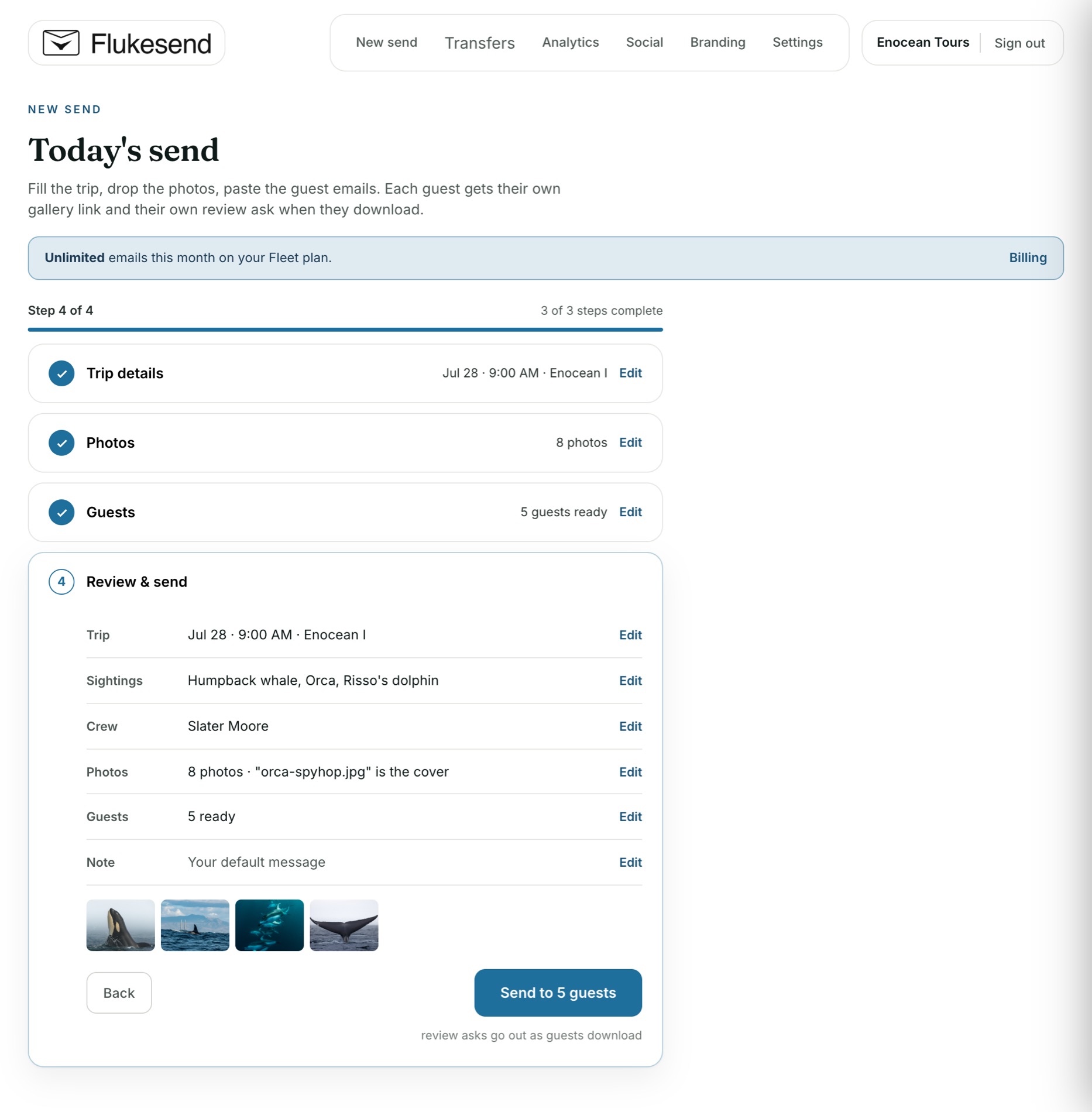
Back on land, four short steps: the trip, the photos, the guests, then send. Pick the boat and departure and the QR sign-ups load themselves, so the guest list is already waiting. That is the whole job.
Photos land in their pocket
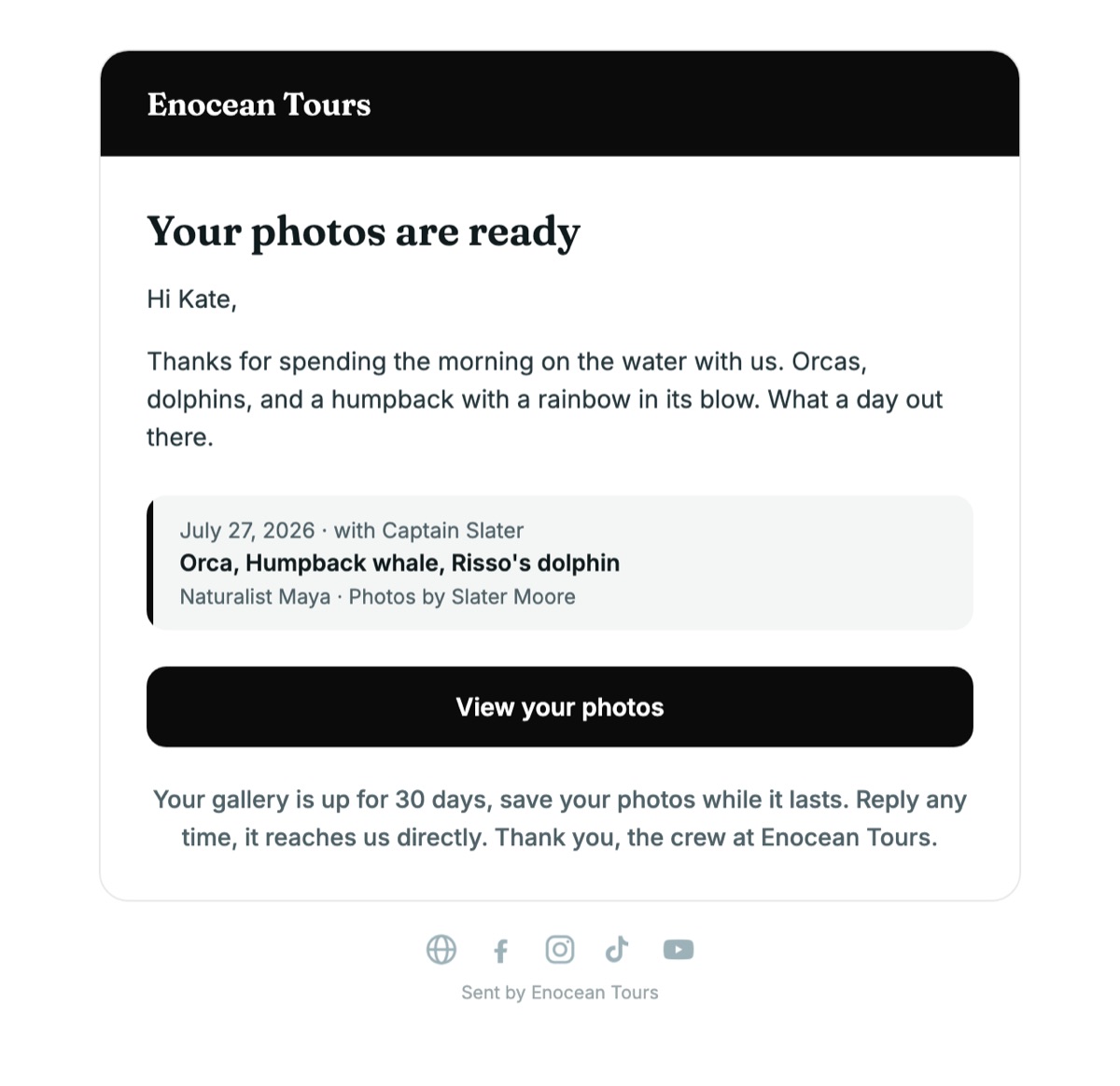
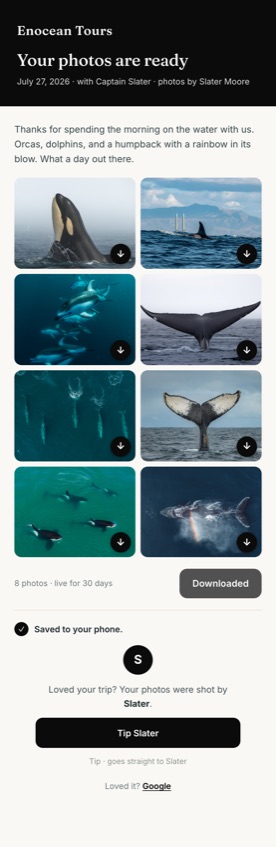
Each guest gets a branded email with a private link to their gallery. One tap saves every shot to their camera roll. It looks like you the whole way, because it is your brand on every screen. Turn on the tip jar and your photographer gets a thank you too, paid straight to them.
The review ask arrives at the perfect moment
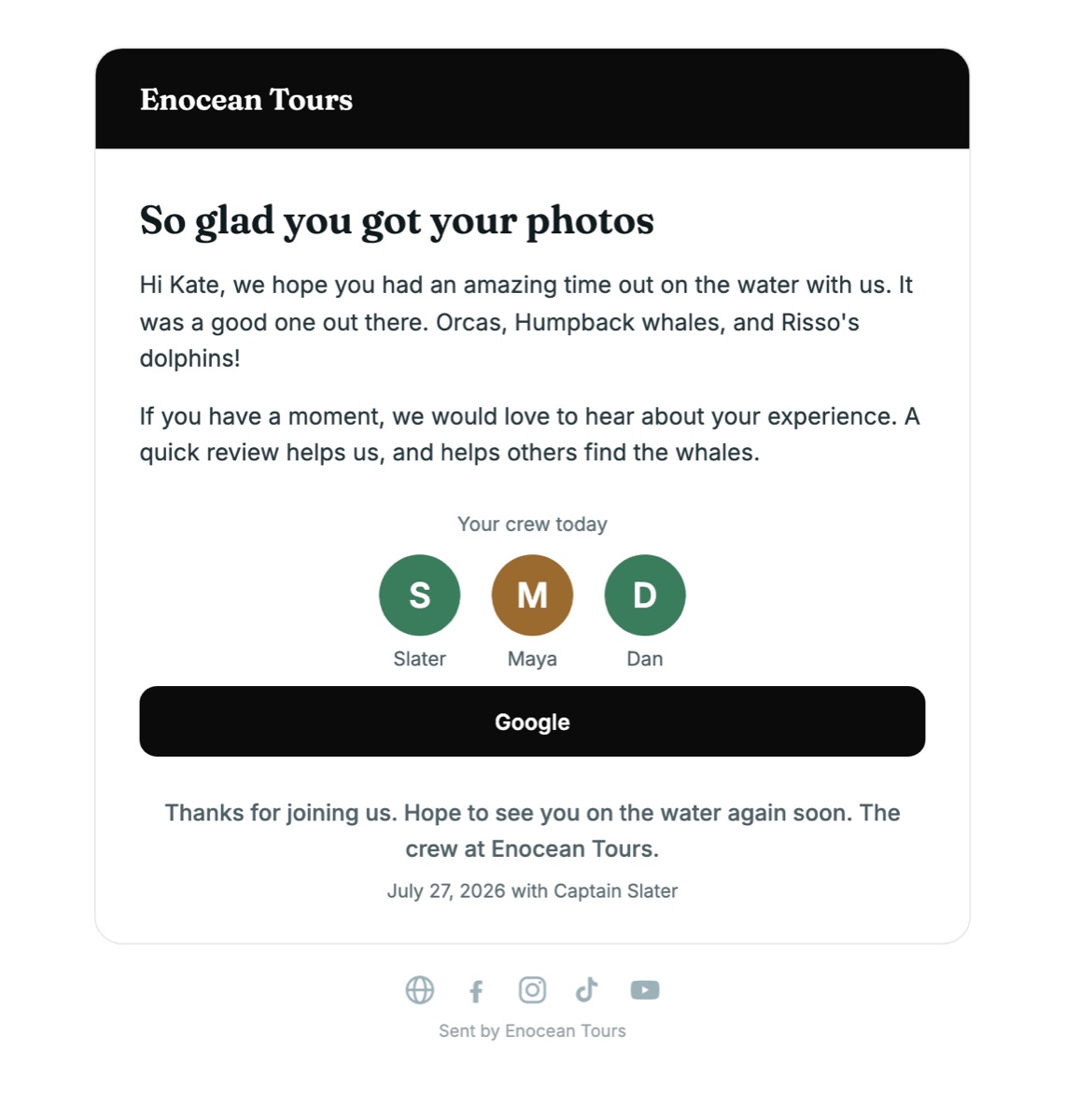
The instant a guest downloads their photos, they get a warm thank you with one tap buttons to your review pages, and the faces of the crew who took them out. They are holding the best photo of their whale when the ask lands. That is why it works.
The whale gets a name
While the emails go out, the fluke shots are matched against Happywhale's catalog of individual whales. A confident match becomes an extra card in every guest's gallery: the animal's name, where it was first identified, how far it's traveled. Guests can follow their whale for life. Uncertain matches are reviewed, never guessed.


The day's post, already made
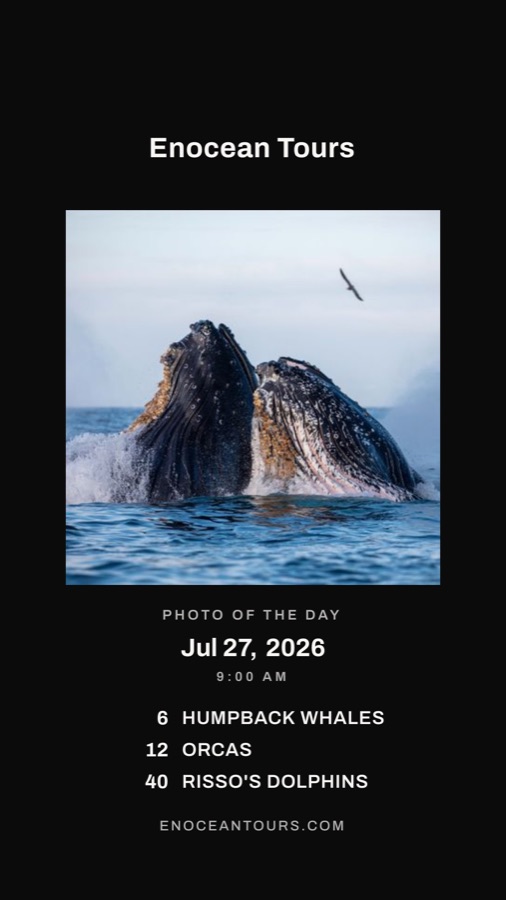
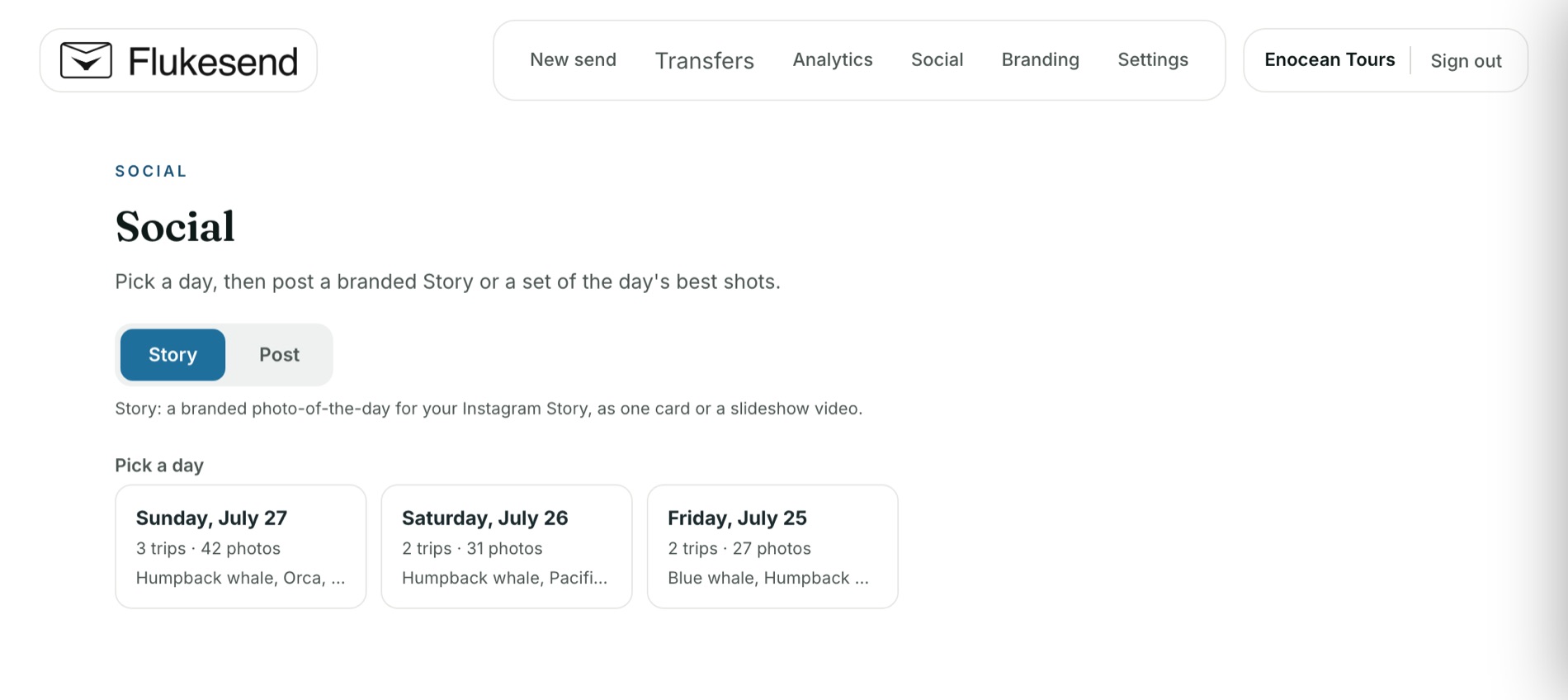
Pick a day in the Social tab and Flukesend builds a branded card from that day's sightings and your pick of the photos. Post it to your Story while the trip is still fresh. No design work, no export, no waiting on anyone.
That is the whole flow
Scan, send, deliver, ask, post. Set up your branding once and every trip after that builds your reputation on its own.
Your first 3 transfers are free, with as many guest emails as you like on each. No card required.